Uhelp – SaaS Helpdesk Support Ticket System
Add Space
- Add Space :
Navigate to the
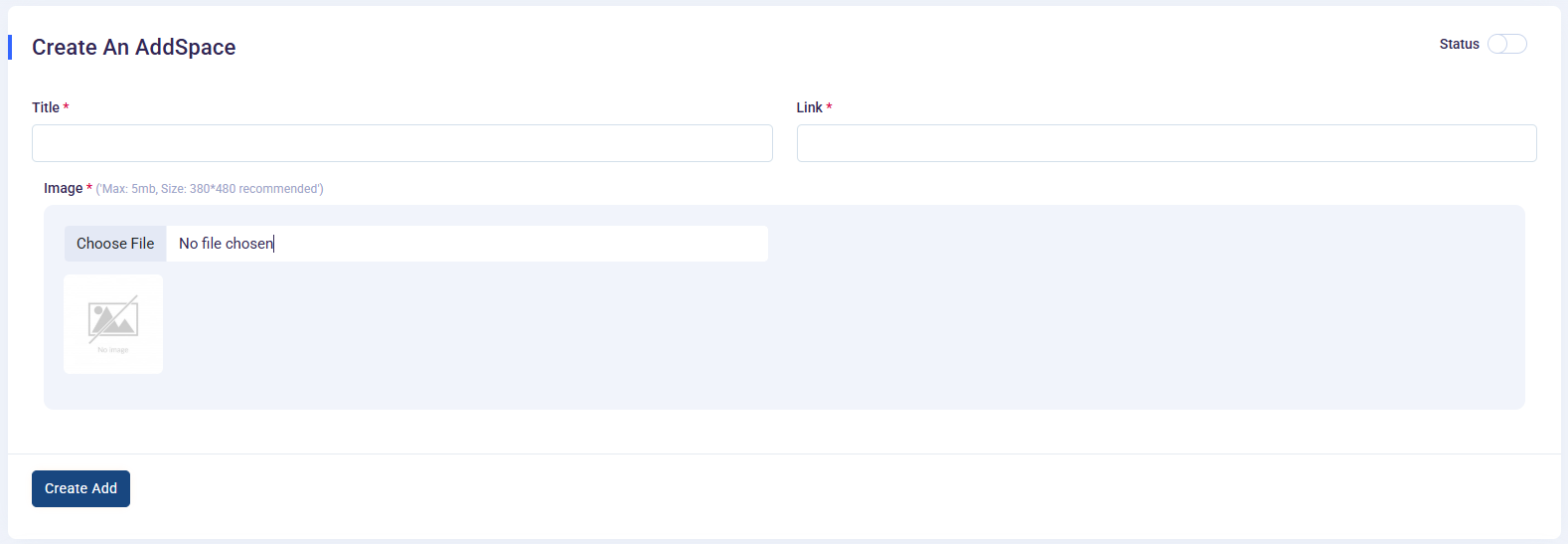
Admin Panel->Add Space - This feature allows you to add advertisements with a title, link, and image. These ads will be displayed in the side menu for customers to view. Clicking on an ad will navigate the user to the specified URL.
- Title: The name of the ad.
- Link: The URL where the customer will be navigated when clicking on the ad.
- Image: A visual representation of the ad.
-
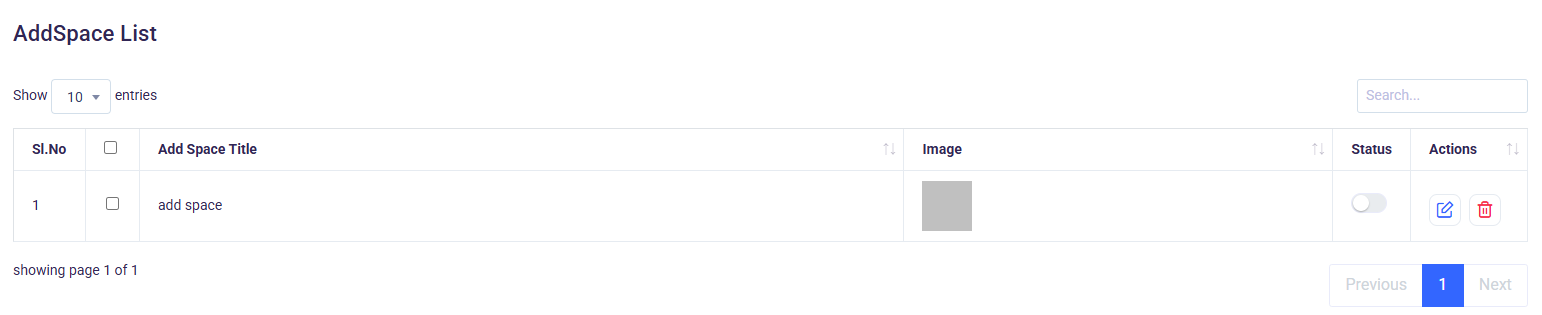
Created add spaces can be seen in the table below.
Ads are displayed in the side menu, making them easily accessible to customers.
Clicking on an ad redirects the customer to the specified link in a new tab or the same window (based on configuration).